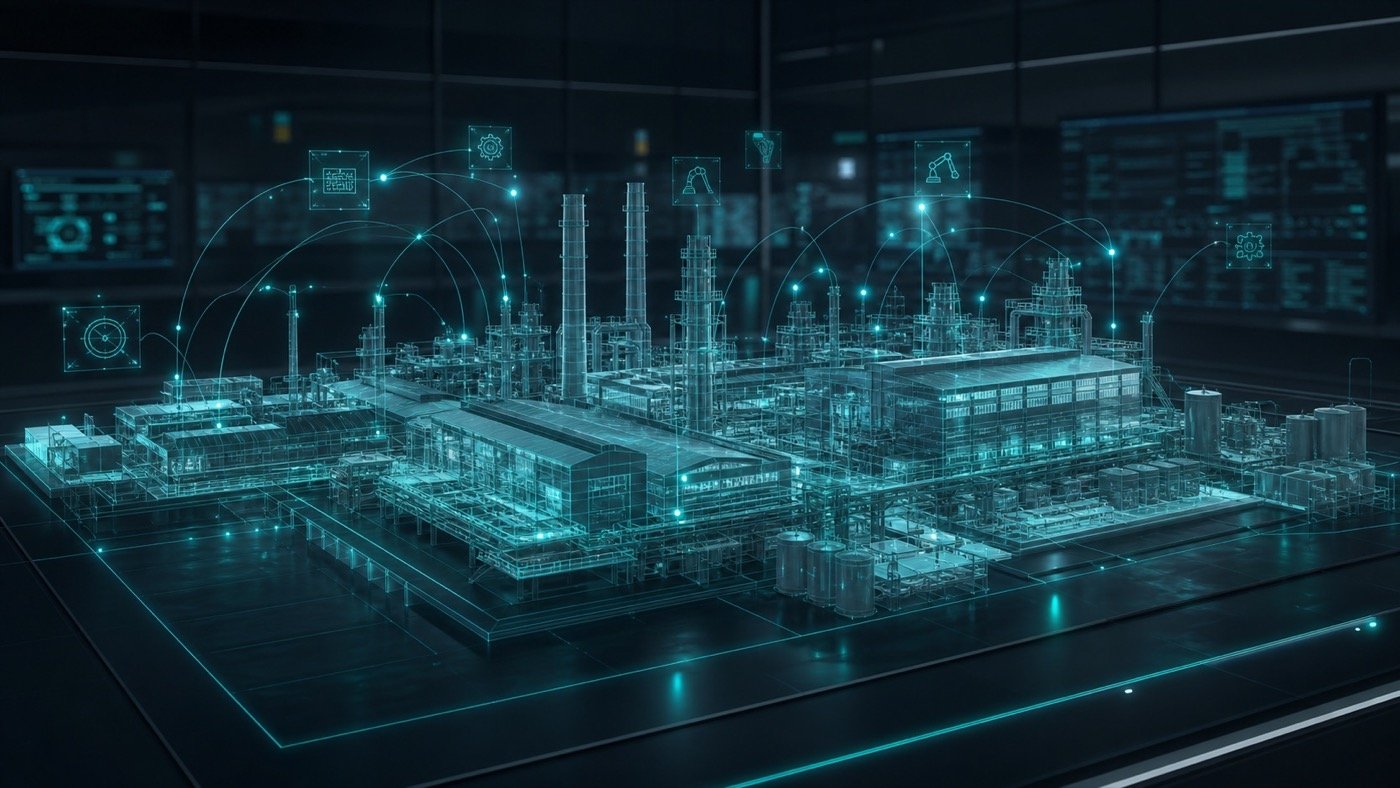
A common mistake in digital twin projects is assuming that “we already have CAD” means “the 3D is ready.” The CAD-to-scene conversion can determine whether the application feels fluid, clear and maintainable.
Why industrial CAD is rarely used directly
CAD files are built for engineering precision, not necessarily for real-time applications. They may include hidden parts, microscopic details, excessive hardware, complex materials, hard-to-navigate hierarchies and heavy geometry.
- Too many polygons for an interactive application.
- Components that add no visual value for the final user.
- Names, hierarchies or groups that do not match operational assets.
- Materials that must be recreated or simplified for a 3D engine.
- Models that are not prepared to receive states, colors or operational data.
Technical process for turning CAD into a useful scene
Preparation depends on plant size and digital twin goals, but it usually includes these stages:
- Inventory CAD files, versions, areas and priorities.
- Convert CAD into usable meshes.
- Remove unnecessary, hidden or overly detailed geometry.
- Optimize polygons, pivots, scale, orientation and hierarchy.
- Create textures and materials aligned with the required realism level.
- Organize assets for navigation, search and data connection.
Optimize for performance, not only appearance
An industrial scene can look impressive and still fail if it loads slowly, consumes too much memory or becomes sluggish once data is added. The goal is to balance visual detail, operational clarity and performance.
A desktop application, control-room installation or reception experience may require different criteria. Detail level should be defined by use case, device and audience.
If an element does not help explain the process, locate an asset or interpret data, it probably should not have maximum detail in the first scope. Realism should serve the operation.
View digital twin service ↗Prepare objects to connect with data
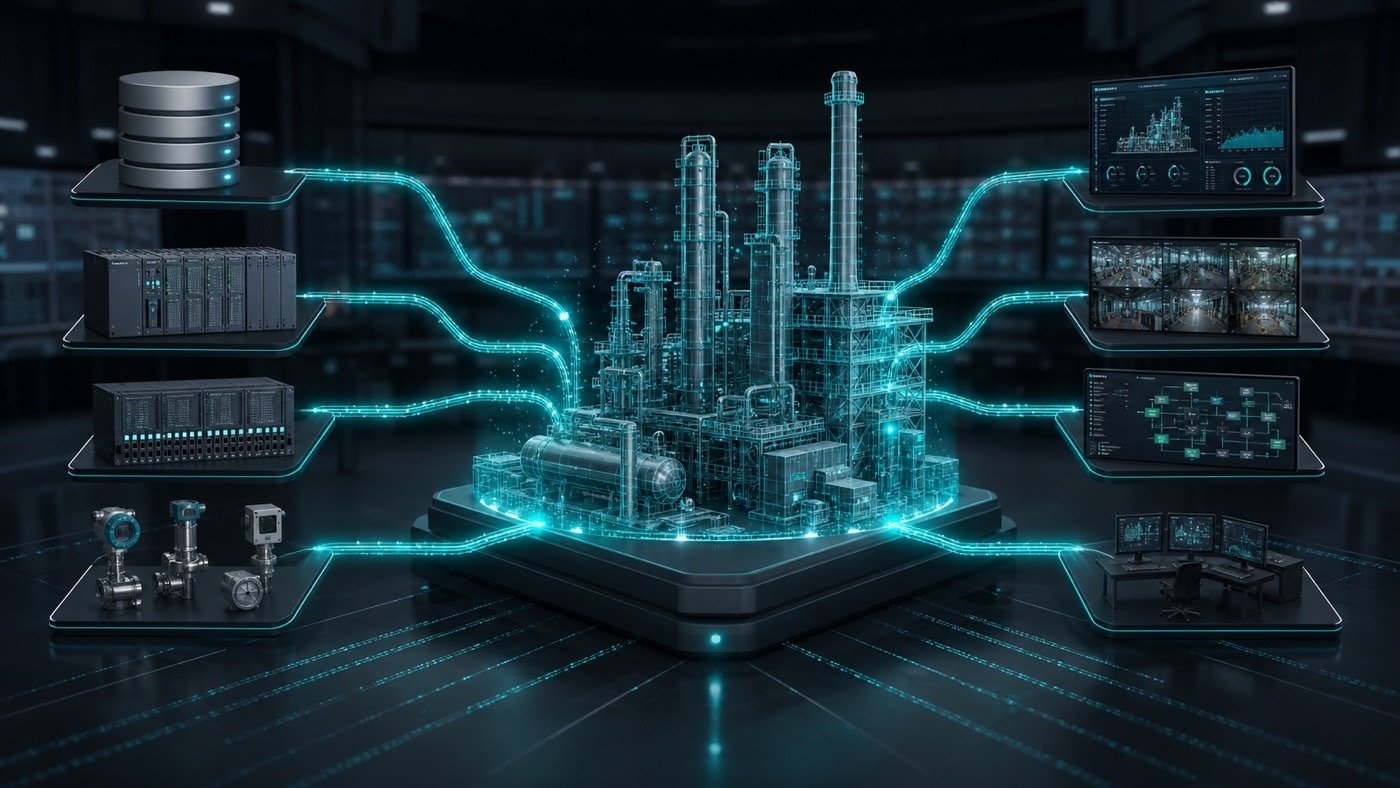
A connected digital twin needs 3D assets to relate to real equipment, areas, states or signals. It is not enough for the model to look good: it should receive information, change state and communicate context.
- Define consistent names between 3D assets and plant assets.
- Separate objects that will have their own state.
- Prepare materials or colors to represent operating states.
- Organize areas, equipment and material routes.
- Avoid structures that make search, filtering or updates difficult.
Recommended next step
Before starting digital twin development, review available CAD material and classify it by operational value: what should be shown, what can be simplified and what must connect to data.
That assessment prevents spending weeks on models that are too heavy or too detailed for the real application goal.
Do you have CAD but are unsure if it is ready for a digital twin?
Axyz can help evaluate models, define detail level and prepare a technical path toward a connected 3D application.
Frequently asked questions
Can all existing CAD be reused?
It can usually be used as a base, but not everything should reach the final model. Filter, optimize and reorganize according to the digital twin goal.
What if I do not have complete CAD?
Partial CAD, simplified modeling, visual references and technical surveys can be combined. Fidelity depends on the expected use.
Does optimization reduce accuracy?
It reduces visual or geometric detail when that detail does not support the goal. It should not remove elements needed to understand operations, location or data.