Industrial integration fails when it is treated as an isolated technical connection. Every read, write, timeout or communication error can affect production. Design should include process context, support, diagnostics and recovery behavior from the start.
Why industrial integration becomes an operational risk
When an application decides whether a part moves forward, stops, gets inspected or goes to storage, integration stops being “backend”. It becomes part of the production process.
- A slow read can stop a conveyor.
- An incomplete write to a PLC can leave equipment waiting for data.
- An unclear error can force operators to compensate manually.
- A communication failure with SQL Server, RPC or a legacy system can block quality validation.
- A frozen application can create physical material accumulation.
What sources should be mapped before development
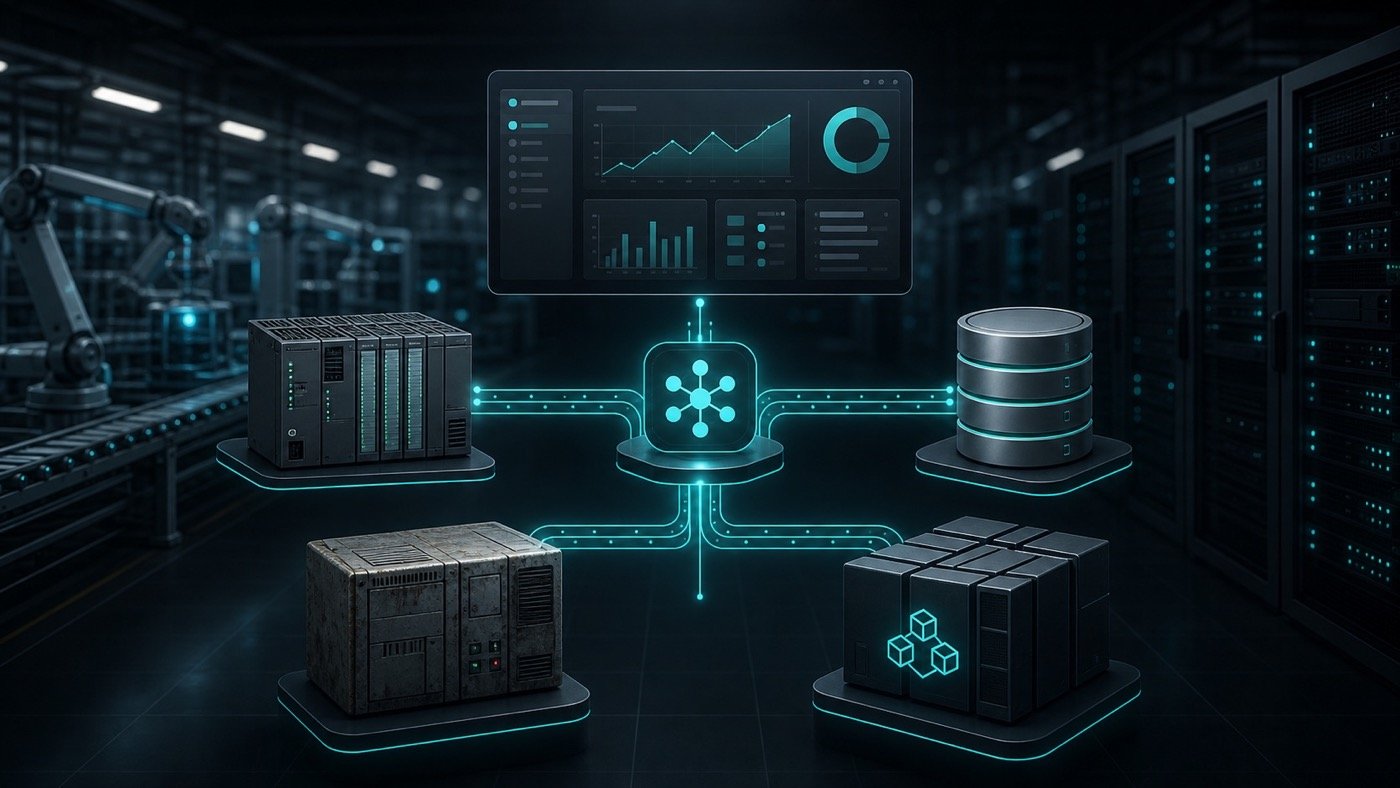
Before coding, create a responsibility map: which system owns each data point, who consumes it, how often it changes and what happens if it does not respond.
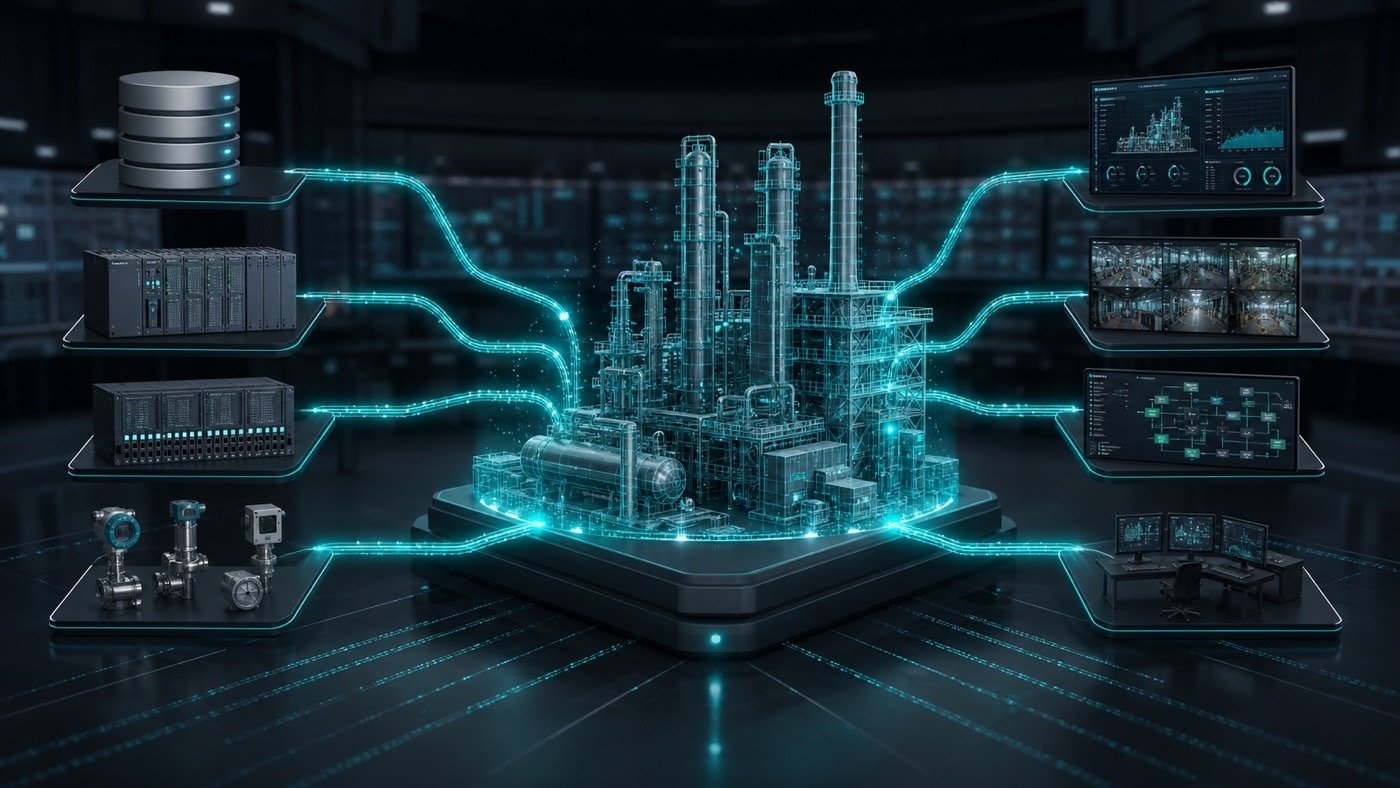
- PLCs: tags, states, commands, errors, handshakes, speeds and safety conditions.
- Databases: SQL Server, history, catalogs, traceability, orders, quality and inventory.
- Legacy systems: RPC, older services, files, queues, internal APIs or logic that cannot be lost.
- Operator application: interface, decision logic, retries, logs, alarms and manual mode.
Design for diagnostics, not just communication
A good industrial architecture does more than connect. It helps teams understand what failed, when it failed, with which data and what operators or support should do next.
That is why it often helps to separate responsibilities into libraries or modules: PLC communication, legacy system calls, database access, standardized logging and business rules. This separation makes components easier to reuse across other areas and easier to support without touching the entire application.
In a tire manufacturing palletizing modernization, Axyz replaced an unstable legacy application with a WPF/.NET solution using dedicated libraries for RPC, Allen-Bradley PLCs, SQL Server, SQLite and structured logging. Deployment was phased to reduce operational risk.
View modernization case ↗How to reduce risk during deployment
The most delicate moment is not programming. It is the change on the plant floor. A careful strategy allows the team to test without interrupting operations more than necessary.
- Document current logic and existing integrations.
- Build tests with representative data and error scenarios.
- Validate communication with PLCs and external systems in controlled windows.
- Deploy in phases with production personnel involved.
- Keep a temporary rollback path if the process requires it.
- Measure timing, errors, logs and real behavior after startup.
Recommended next step
If an industrial integration already causes freezes, stoppages, rework or slow diagnostics, the first step should not be “rewrite everything”. It should be a technical assessment of dependencies, data flows and failure points.
With that map, the team can decide what to preserve, what to separate into libraries, what to modernize first and how to validate the change without putting production at risk.
Does your industrial software depend on PLCs, SQL or legacy systems?
Axyz can help diagnose the current integration and define a safer modernization path.
Frequently asked questions
Should the entire legacy system be replaced?
Not necessarily. It is often safer to preserve critical logic, separate integrations and modernize by layers to reduce risk.
What if the PLC also needs changes?
It should be evaluated carefully. Some projects need logic, communication timing or error-code improvements so software and control work better together.
Does structured logging really matter?
Yes. In critical systems, structured logs can reduce diagnostic time and prevent every incident from depending on tribal memory or manual inspection.