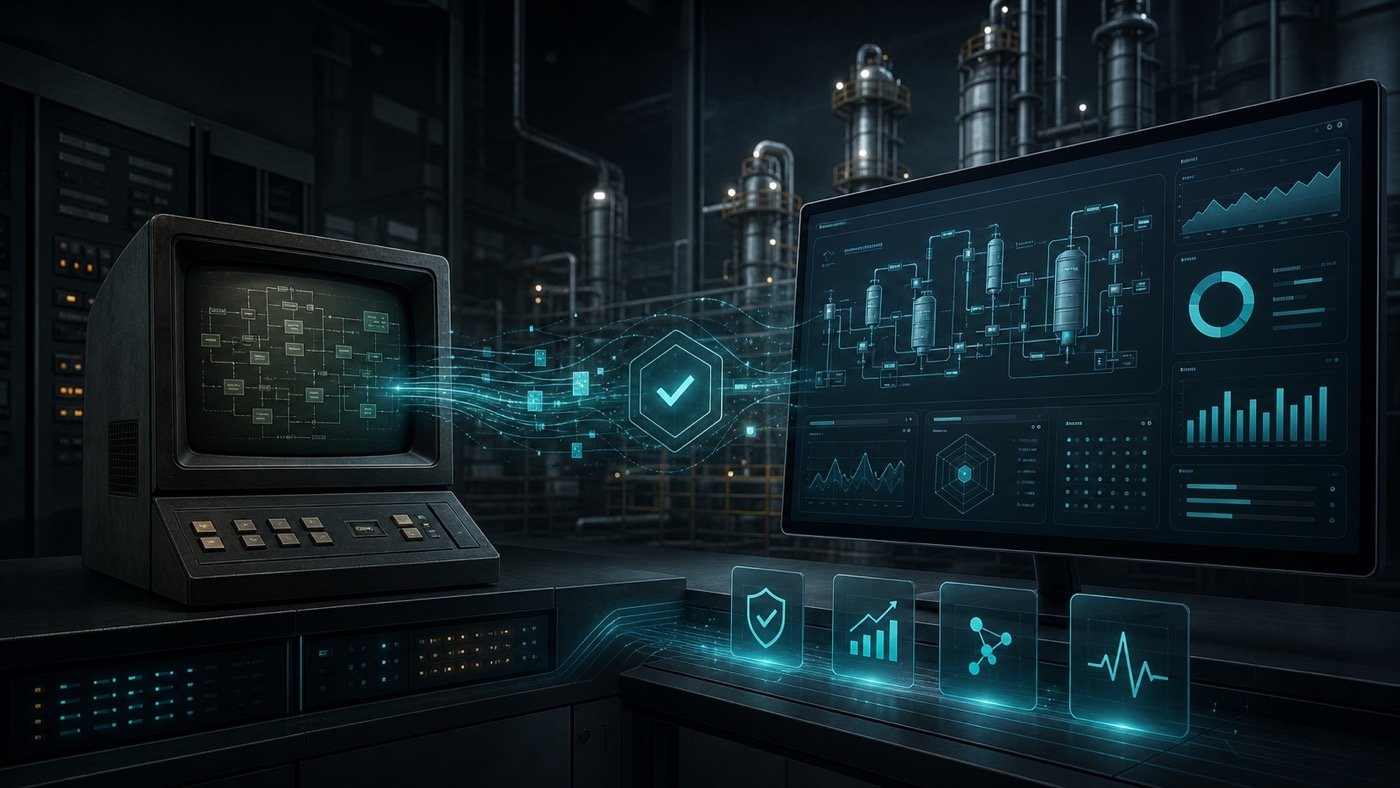
The goal of industrial modernization is not showing off a new interface. It is achieving a more stable, diagnosable and maintainable application without exposing production to unnecessary downtime.
1. Diagnose before designing
Before proposing architecture or technology, understand what the current application actually supports.
- What happens on the plant floor if the application stops.
- Which equipment, PLCs, databases or legacy systems depend on it.
- Which business logic must be preserved exactly.
- Which errors happen most often and how they are handled today.
- Which realistic windows exist for testing and deployment.
2. Build tests that represent real operations
Modernization fails when testing only happens at a desk. Tests should reflect normal scenarios, known errors, communication timing, incomplete data and expected operator behavior.
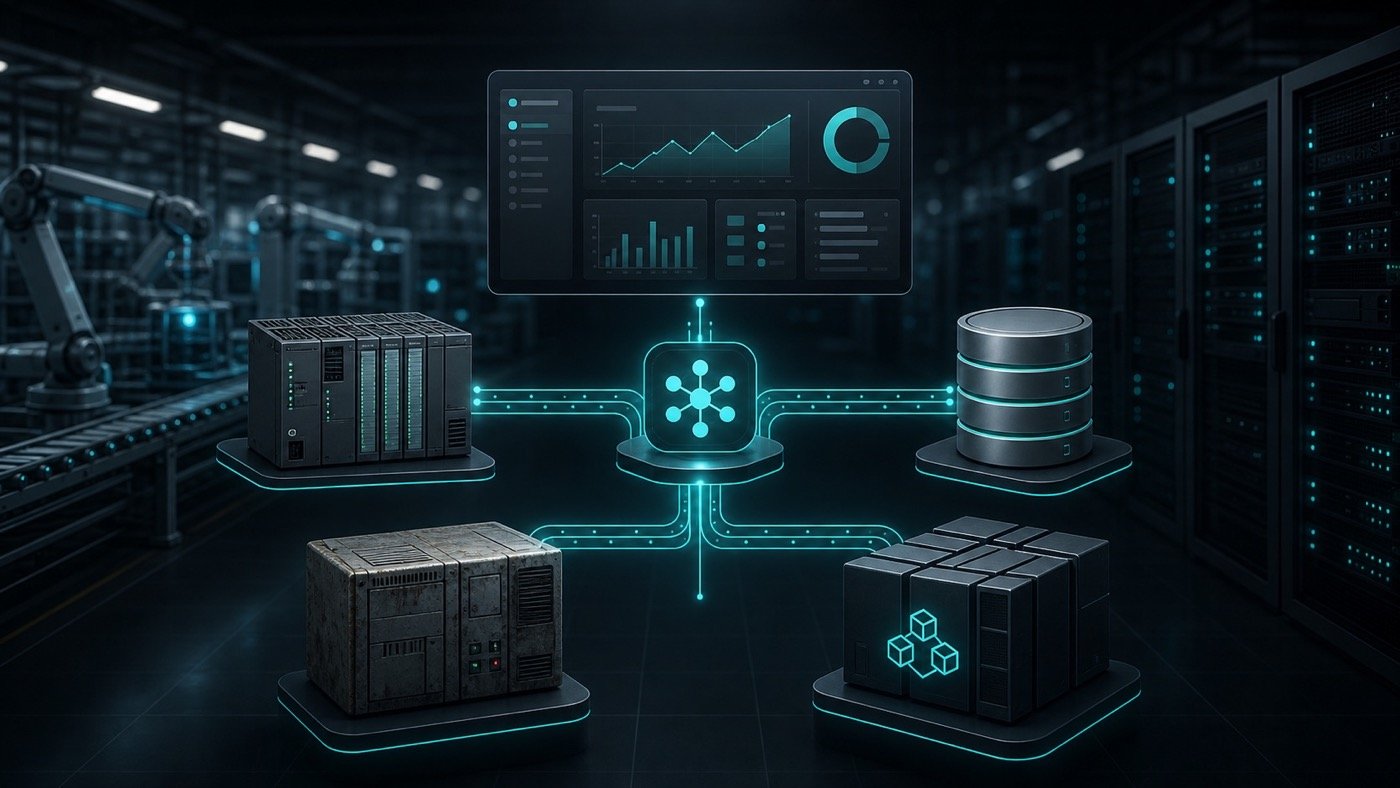
When PLCs, SQL Server, RPC, APIs or local files are involved, each dependency should have success, timeout, error and recovery scenarios.
3. Deploy in phases, not as a leap of faith
For critical systems, deployment should be designed as a controlled transition. Possible strategies include:
- Install first in a mirror environment or non-production station.
- Validate with historical data or representative parts.
- Run tests in short windows with production personnel present.
- Run both systems in parallel when the operation allows it.
- Activate the new system by line, shift, station or function.
- Measure stability, logs and timing before retiring the old system.
In a palletizing line, Axyz modernized a critical application while preserving the main logic and integrations. The new system was deployed in phases, with tests enabled by production before it was left running permanently.
View modernization case ↗4. Define a rollback plan before the change
A rollback plan is not lack of confidence; it is operational maturity. Before activating the new system, the team should know what conditions trigger rollback, who makes the decision and how traceability is protected.
- Configuration and database backups.
- Procedure for returning to the previous system when applicable.
- Production, maintenance and software owners.
- Acceptance criteria and stop criteria.
- Logs and evidence to analyze incidents without guessing.
Recommended next step
If an application is already critical to production, start with a risk and transition assessment. The most valuable deliverable is not code yet: it is the dependency map, test plan, deployment windows and release strategy.
With that map, modernization stops feeling like a jump into the unknown and becomes a controlled technical transition.
Need to modernize without risking the line?
Axyz can help assess the current system and define a phased path to reduce operational risk.
Frequently asked questions
Can software be modernized without stopping production?
Yes, if the transition is planned with discovery, representative testing, controlled deployment, production personnel involved and a rollback plan.
Should both systems always run in parallel?
Not always. Parallel operation helps when outputs or decisions can be compared without interfering with production. In other cases, controlled test windows are safer.
What matters most before the first deployment?
Identified dependencies, acceptance criteria, critical tests, defined owners, backup strategy and enough logging to diagnose problems.